Case study

A suite of tools to help architects create, design and interact with IT architectures with AI.

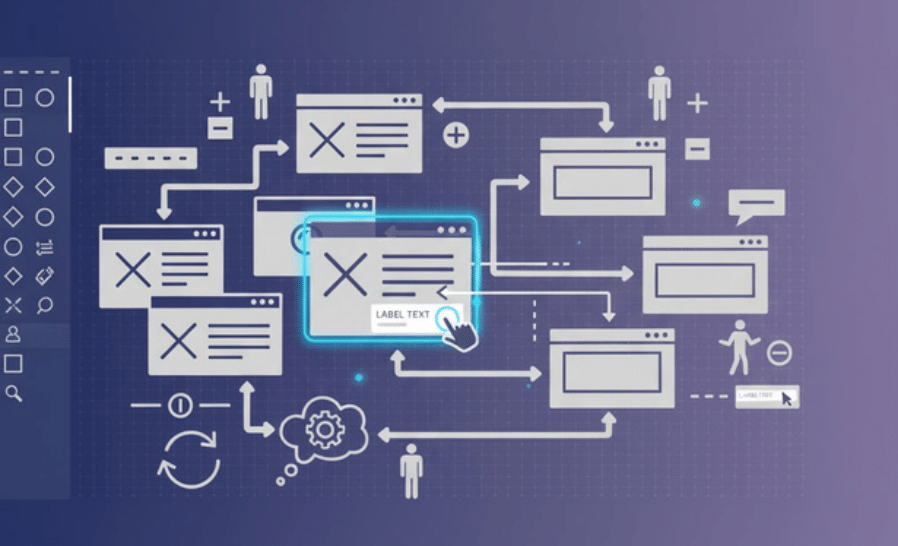
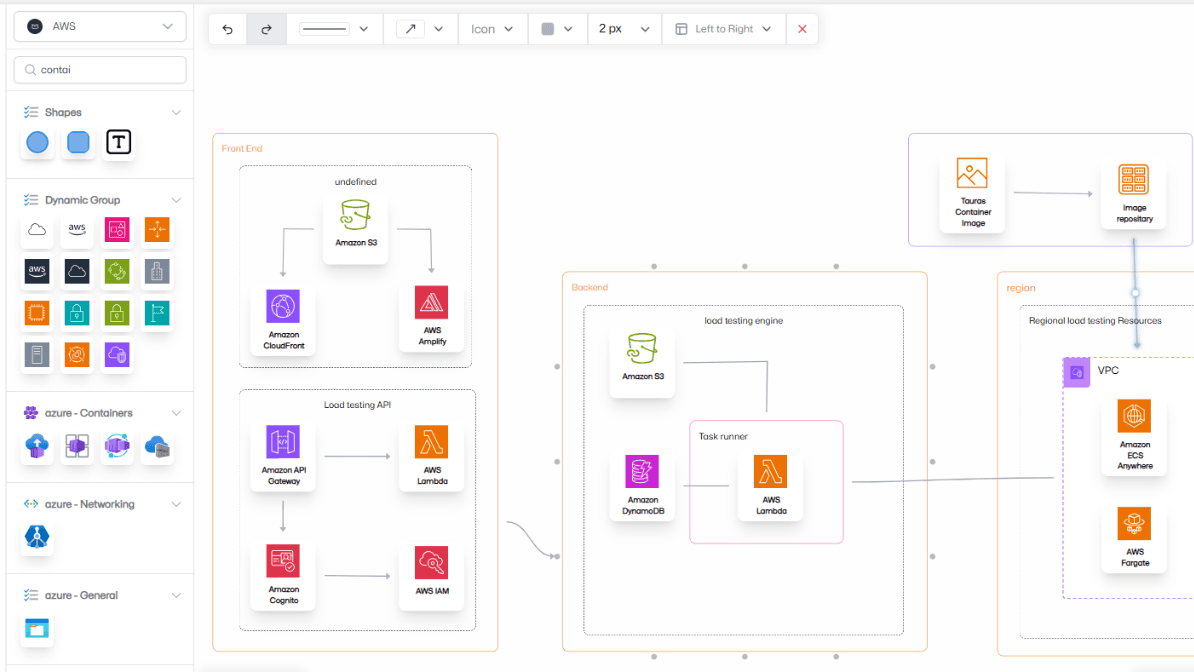
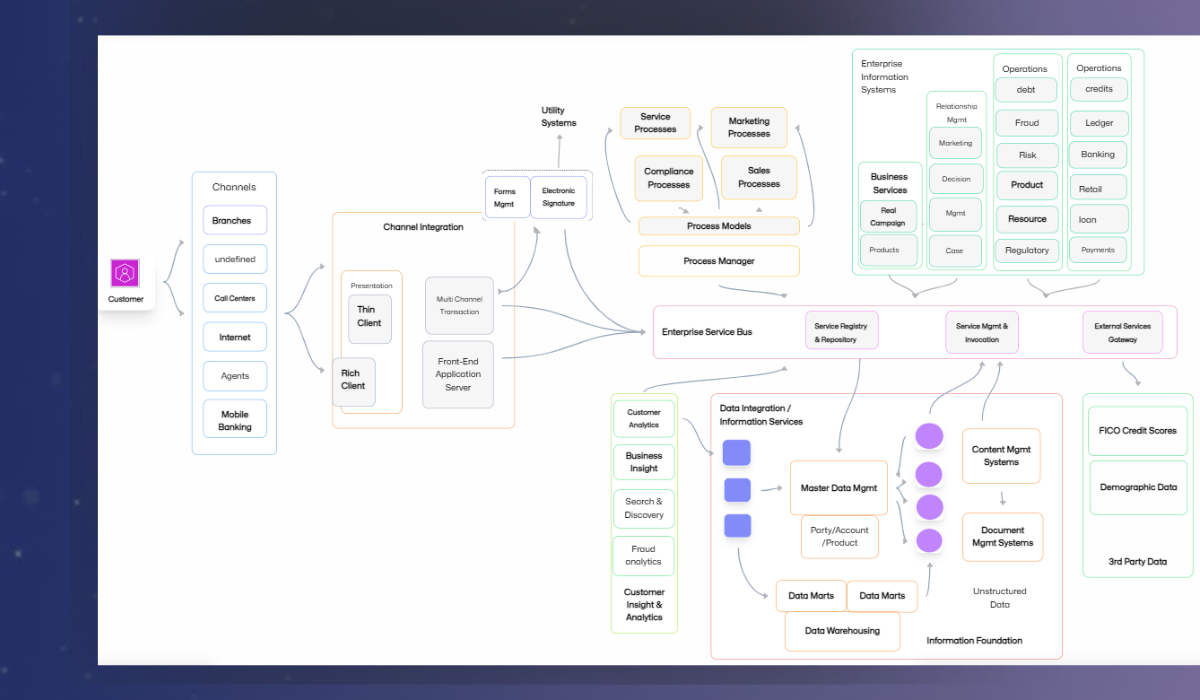
A comprehensive drag-and-drop platform that allows architects to design, visualize, and manage IT architecture diagrams effortlessly. AI assistance is integrated to help users generate diagrams from prompts and provide suggestions, making the workflow faster and easier.

Transforming IT Architecture with Solution Pilot

Solution Pilot wanted a system where users could freely create diagrams with drag-and-drop functionality while leveraging AI for suggestions or automated diagram generation from textual prompts.

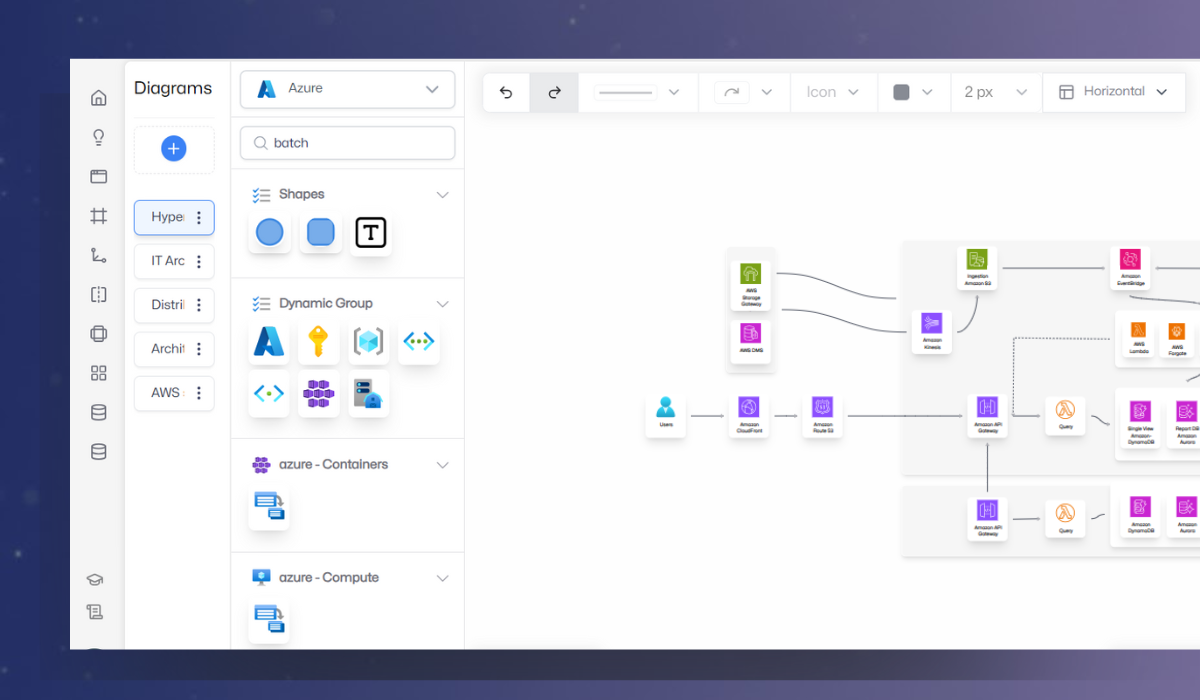
A fully functional architecture diagramming platform with drag-and-drop interface, multiple node types (text, shapes, Azure, AWS, etc.), and integrated AI support for prompt-based diagram creation and interactive guidance.

We worked on:

React Flow, AI integration for text-to-diagram, dynamic node handling, customizable architecture nodes.

Client

Solution Pilot helps teams create IT architecture diagrams quickly and efficiently.

Solution Pilot logo

Business need

Architects needed an intuitive platform to build complex architecture diagrams without spending hours manually arranging nodes and connections.

Scope

Frontend development, drag-and-drop node system, AI prompt integration, multiple node types, and diagram export options.

React FlowAI IntegrationIT ArchitectureDrag-and-DropWorkflow Enhancement

Challenge

Designing an intuitive drag-and-drop architecture platform with AI assistance

Supporting multiple node types

Supporting multiple node types

The platform needed to handle diverse nodes, from simple text to cloud services, without complicating the user experience.

Making diagram creation effortless

Making diagram creation effortless

Architects wanted to build diagrams quickly and accurately without getting bogged down in manual layout adjustments.

AI integration without taking control

AI integration without taking control

The AI had to assist, not replace, the user, providing suggestions while leaving full control to the user.

Process

From Concept to Collaborative AI Design

01

Understanding User Goals

We began by studying how architects visualize IT systems and identifying challenges in existing tools. The goal was to create a platform that feels effortless yet powerful for designing architectures.

02

Designing the Diagram Flow

We structured a smooth workflow where users can drag, drop, and connect nodes instantly. The layout and controls were built for clarity, allowing users to create complex structures without technical friction.

03

Developing the Node System

A modular node system was created with text nodes, logic elements, and pre-built icons for cloud services like AWS and Azure, ensuring visual consistency and flexibility for any IT architecture.

04

Integrating Smart AI Assistance

AI was integrated to assist with diagram creation — users can either describe their architecture through prompts or receive layout suggestions. The AI supports, but never replaces, user creativity and control.

05

Refinement and Optimization

After building the core features, we refined the interface for precision and smooth performance. The result is an intuitive, responsive platform that helps users create professional diagrams quickly and confidently.

Block 1

From requirements to an AI-powered diagramming platform

Building the foundation of intelligent architecture design

Research and Planning

We began by analyzing user workflows and identifying key requirements for the diagramming experience. This included defining essential node types, planning AI integration touchpoints, and ensuring the tool would remain user-driven while being smartly assisted by AI.

Experience and System Design

Next, we crafted the overall flow — how users would drag, drop, connect, and label nodes to build their IT architecture. The design balanced usability with precision, ensuring every element, from shapes to text nodes, worked together seamlessly.

Development and AI Integration

Our team developed a flexible node system supporting text, shape, and cloud service elements like Azure and AWS. Then, we integrated AI features for generating diagrams from natural-language prompts and offering layout suggestions — enhancing speed without limiting control.

Block 2

User-Focused Enhancements

Enhanced usability and flexibility so users can efficiently build and edit diagrams.

info image

Customizable Nodes

Users can adjust node properties and labels to match their architecture requirements.

info image

Prompt-to-Diagram

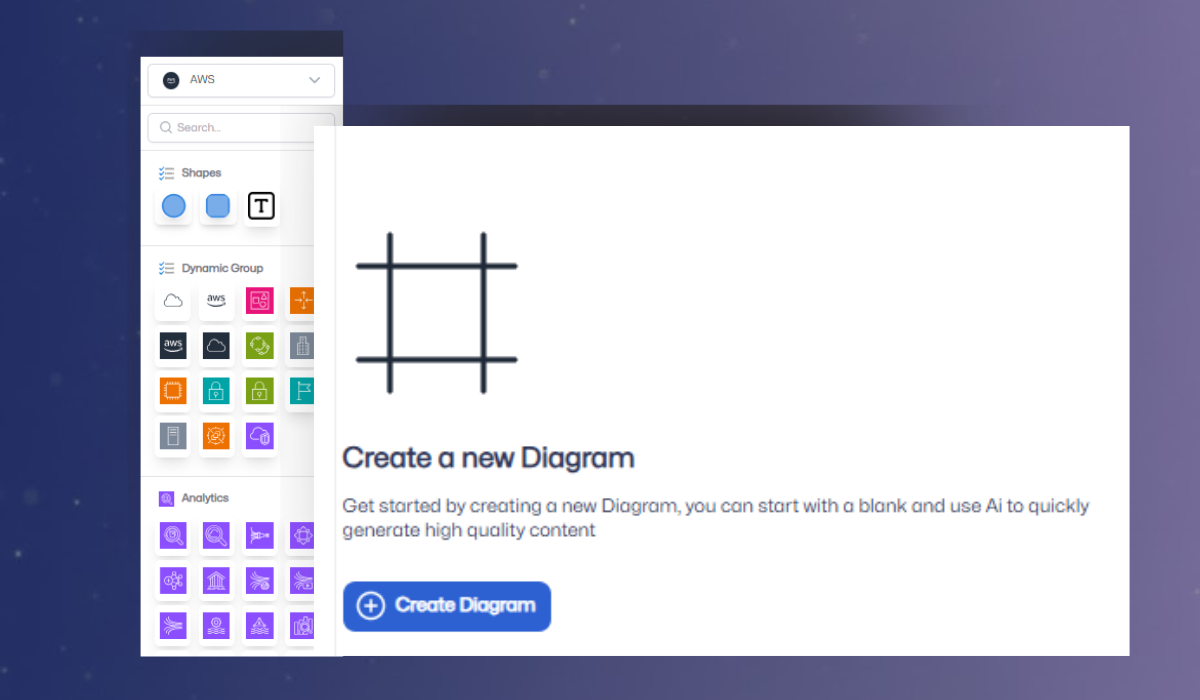
Users can input text prompts and AI generates editable diagrams that can be refined.

info image

Flexible Editing

All nodes remain fully editable, allowing users to tweak AI suggestions and manual layouts.

Block 3

Workflow Optimization

We refined the entire diagramming workflow to make architecture creation faster, more accurate, and entirely user-driven — supported by subtle, intelligent AI guidance.

Faster Diagram Creation

With an intuitive drag-and-drop interface and optional AI assistance, users can create complex IT architecture diagrams in minutes instead of hours. The process feels smooth, responsive, and efficient from start to finish.

Accurate Diagram Representation

Each diagram element — from nodes to connectors — was structured for clarity. Built-in AI ensures accurate placement and logical alignment, keeping every architecture clean and consistent without manual corrections.

User Empowerment

The platform emphasizes user control. While AI provides smart layout suggestions and assists with node arrangement, the user always remains in charge of every change, ensuring creativity and precision go hand in hand.

Results

Experience the impact of a tailored AI Workflow Builder

info image

Faster Diagram Creation

Drag-and-drop interface combined with AI suggestions significantly reduces time to create architecture diagrams.

info image

Accurate & Clear Diagrams

Structured nodes and AI guidance help maintain clarity and consistency in complex IT architectures.

info image

User Empowerment

Users retain full control, using AI as a supportive tool rather than a replacement.

info image

Flexible & Scalable Platform

Supports various diagram types, node categories, and future enhancements for long-term use.

Let’s Design Your Next Powerful Diagram UI

Share your requirements and we’ll help you build a fast, intuitive, and modern diagramming experience.

Get in Touch

I accept the privacy policy
*Required